A two-minute scholarship application video fills up quickly. One experience, explained clearly, usually gives a reviewer more to work with than a list of activities. Choose an example that answers the prompt and rehearse it once. Listening back without watching the screen will help you hear where the explanation gets lost.
In this guide Read the video brief · Plan two minutes · Record a clear take · Test the final submission
Start with the scholarship application video instructions
Copy the question and the maximum duration into your notes. Then check whether the provider specifies orientation, editing, captions, or a particular recording platform. Some applications require a file; others ask for a link. A recording that works for one award may be the wrong format for another.
For example, Schwarzman Scholars’ application instructions describe an optional one-minute introduction uploaded through a shareable, unlisted YouTube or Vimeo link. That is a format example, not an invitation to submit a two-minute clip to that program. Always use the instructions for the award you are applying to.
The University of Denver’s fellowship-video guidance recommends working from an outline and reviewing a trial recording. Use a few prompts that help you remember the sequence. If you keep losing your place, simplify what you want to say instead of trying to memorize a longer script.
Give a two-minute recording one main story
Imagine a fictional applicant describing a reading club they helped organize. Their story centers on a problem: volunteers could not agree on a meeting time, so the applicant collected their availability and arranged a workable schedule. That example gives the speaker something concrete to explain.
| Practice timing | What the speaker covers |
|---|---|
| 0 to 15 seconds | Name, current activity, and the example they will discuss. |
| 15 to 40 seconds | The scheduling problem and their responsibility. |
| 40 to 85 seconds | What they asked, decided, and changed. |
| 85 to 110 seconds | The result and what they learned. |
| 110 to 120 seconds | How that learning connects with the opportunity. |
This is a rehearsal plan for a two-minute scholarship application video, not a required allocation. Your prompt may need a different balance. If the question is about future goals, give those goals more space. If it asks for a personal introduction, avoid turning the entire answer into a project report.
A short passage from the fictional example might sound like this: “Four volunteers wanted to help, but their timetables kept changing. I asked each person when they could attend and split the preparation into smaller tasks. We agreed the final schedule together. Next time I would collect availability before announcing the sessions.”
The speaker would add a verified result from their own experience. If something went wrong, explain what you changed or would do differently. Leave out achievements that you cannot support, even if they would make the ending sound more impressive.
Make the speaker easy to see and hear
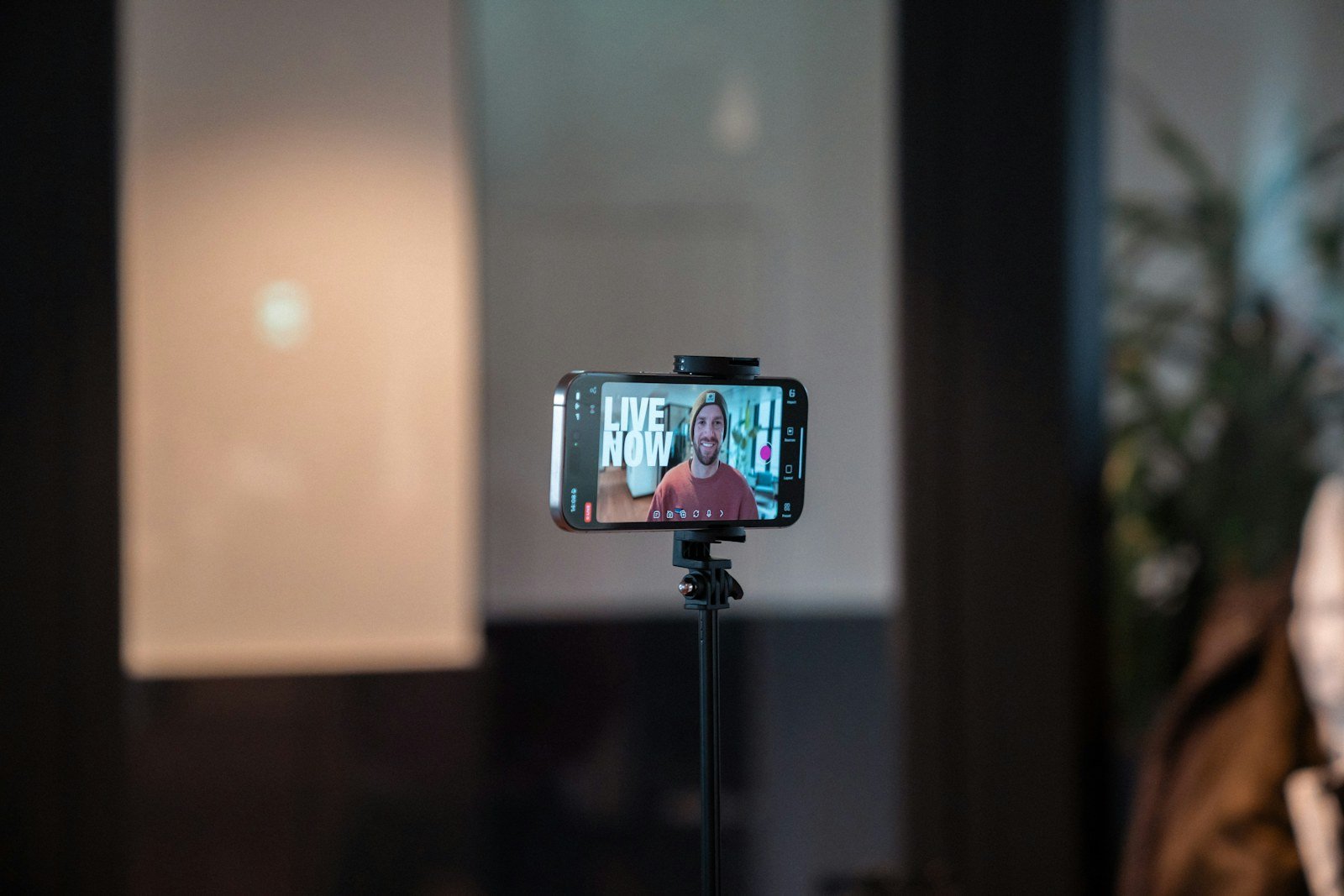
Put the camera where it stays steady and frame your face with some room above your head. Look at the lens for a trial sentence, then watch the result. Check for light behind you that makes your face difficult to see. Move to a quieter spot if traffic or a fan obscures your voice.
Use the equipment you have for the trial and judge the result. If your voice is muffled or the picture keeps shifting focus, solve that specific problem. Buying equipment before testing can add expense without improving the part that needs attention. Ask the provider about an accessible recording arrangement if you need one.
Speak at a pace that lets a listener understand the decisions you describe. Pauses are useful. A friend can tell you where the story becomes unclear, but keep the final wording close to how you naturally speak. Re-record the section that causes trouble, or make another take if the rules require a continuous recording.
When captions are allowed, review their spelling and timing. Names and technical terms often need correction. Check any translation against what you actually said so the captioned version carries the same meaning.
Test the scholarship application video as a reviewer would
Watch the exported file from beginning to end. Check its duration, sound, and filename. For a link submission, open the link in a signed-out browser window and confirm that a reviewer can play it without asking you for access. Keep the visibility and password settings consistent with the provider’s instructions.
If the portal records the video directly, read its rules on practice attempts and retakes before starting. Arrange the room and prepare your outline first. Use a trial only where the system permits one.
Save the exact file or link you submit and the application confirmation. Before submitting, compare your scholarship application video with the original question once more. If the ending repeats what you have already said, cut it and give those seconds to the example.
Featured image: Detail .co · Unsplash License. Used for illustration.